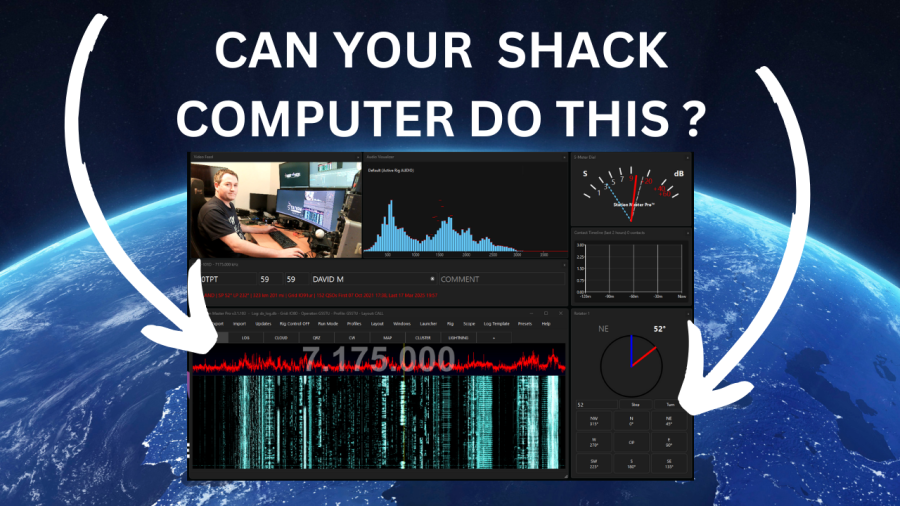
I'm sure it will run on other Linux flavours too but you will need to work out any CAT/Serial issues as I can't test them all, we only support Ubuntu.
1. Download the installer from the downloads page.
2. Right click the installer and tick to "allow execution or run as application"
3. Right click and "run as application"
Prefer the command line ?
1. wget https://download.stationmastercloud.com/StationMasterProSetup-3.26.0.run
2. chmod +x StationMasterProSetup-3.26.0.run
3 ./StationMasterProSetup-3.26.0.run
Now just open Station Master from the app launcher. Please see other FAQs for further setup details.
NOTE: you will need to add your user to the `dialout` group for the serial/CAT connection to to work.