
Please note Yaesu radios (except the FT710) do NOT provide a spectrum data feed for display on a computer so don't expect the SCOPE in Station Master to work with your Yaesu unless you have an SDR Play attached to power the SCOPE, you can select "Dummy Scope" to make the Scope interactive.
1. In your Radio Settings set CAT BAUD RATE to 38400, unless you know it should be lower.
2. If on Windows Install the USB Driver from the Yaesu site
3. If on Linux you don't need a USB driver
4. If on Mac, install this USB driver https://www.silabs.com/documents/public/software/Mac_OSX_VCP_Driver.zip
5. Connect the radio to the computer via USB cable, avoid using USB hubs or adapters (especially on Mac)
6. Open Station Master File > Settings > Rig Control. (Preferences on Mac)
7. Set values in the top row (RIG #1) Select RIG Model, select your Radio COM Port (check device manager on Win, use the Enhanced port) on mac you will have to try all the com ports listed to find the right one. On Linux it will be USB0, USB1 etc...
8. Select the AUDIO in AUDIO out which is normally called "AUDIO CODEC"
9. Select BAUD RATE = 38400 (unless you know it should be lower)
10. Select RTS = ON (this is essential for many Yaesus, so try it on first , only set to OFF if ON doesn't work)
11. All other Rig #1 settings should be left as the default values.
If you have a FT-710 and Windows please install this too
https://ftdichip.com/wp-content/uploads/2025/03/CDM2123620_Setup.zip
If you have a Windows ARM PC you should install the ARM driver instead https://ftdichip.com/wp-content/uploads/2025/03/CDM-v2.12.36.20-for-ARM64-WHQL-Certified.zip
That's it, click Save and Restart and allow Station Master to Restart
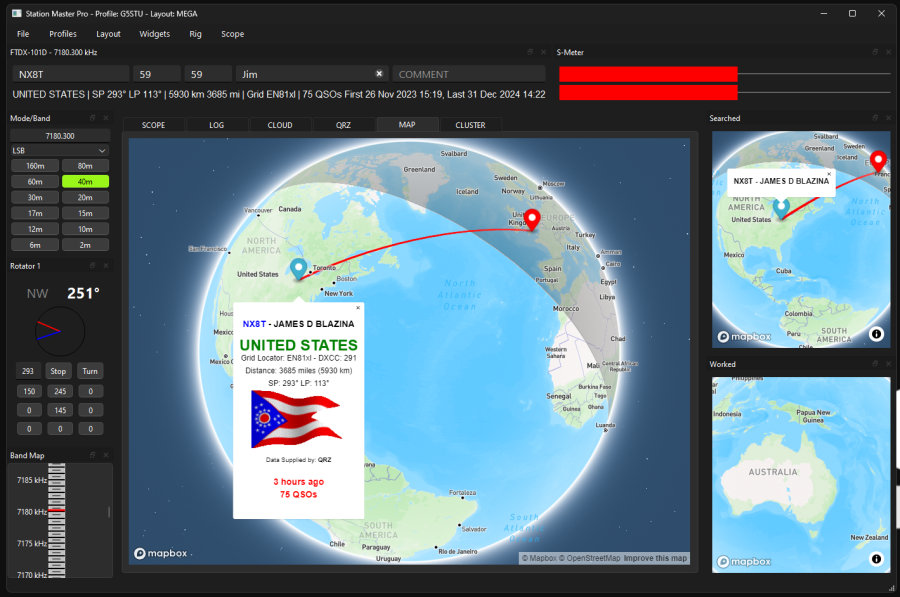
12. Along the Top menu select Rig Control > Start Rig Control (it may already be started)
13. Along the Top Menu select Rig > RIG 1
14. Along the Top Menu select Scope > Dummy - if you have a 710 select RIG1 as the scope will work with that radio.
You should now be connected to your Yaesu Radio
Restart your computer and power cycle the rig (at PSU) if you are having problems, also try another USB cable, or try another USB port on the computer.
How to set up a YAESU with Station Master Pro
Log in to comment

G4RHL
A great piece of software. Is there a way of running Station Master with FT-Control (MAC rig software that connects over the Wifi system and or hard wired using the Yaesu SCU-LAN)?
5 months ago