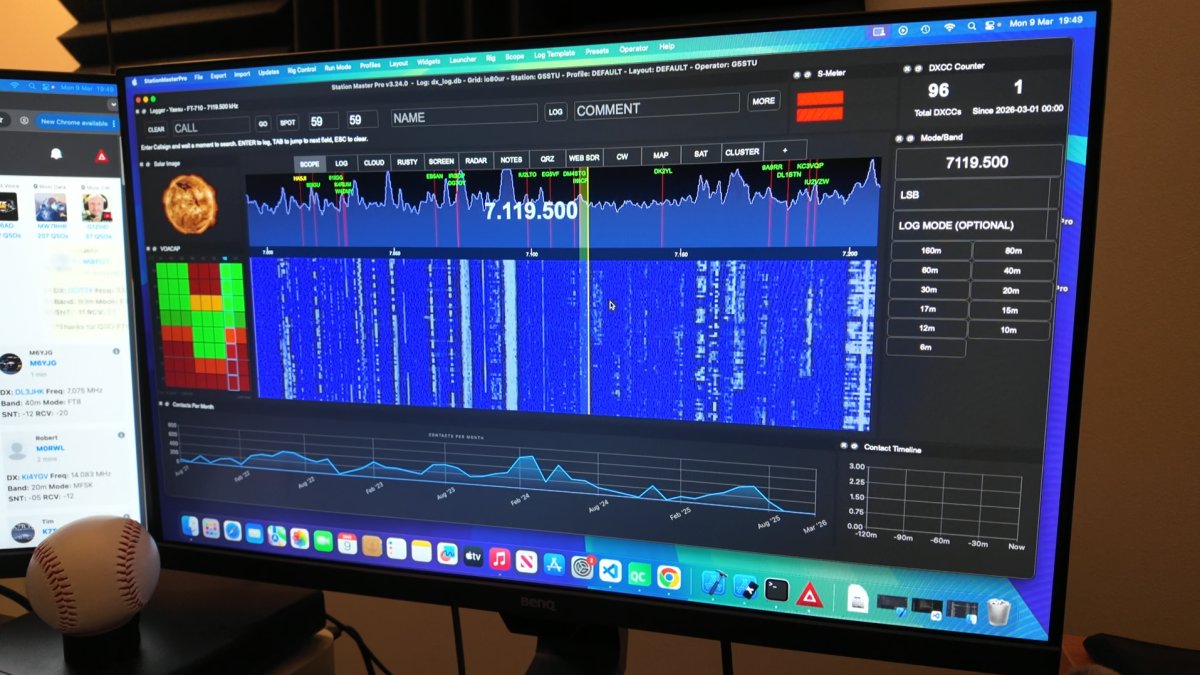
To connect using WFI first connect the radio to the same WIFI network as your computer and note down the IP address - you may need to check your router for this, look in the DHCP lease table.
1. Connect radio to WIFI
2. Get IP from router
3. In SM PRO CAT Settings set a rig to use: ICOM Server
4.Set the port to username:password@ipadress:port
Save settings , restart SM and now SM will connect to the radio.
Be sure to select the correct Scope from the top menu in Station Master Pro. E.g if you used RIG#1, select Scope > #1
Note, you can also connect using USB but you won't have a SCOPE in Station Master PRO
https://stationmastercloud.com/post/535/Connecting-XIEGU-X6100-and-similar-radios-to-Station-Master-PRO-via-USB