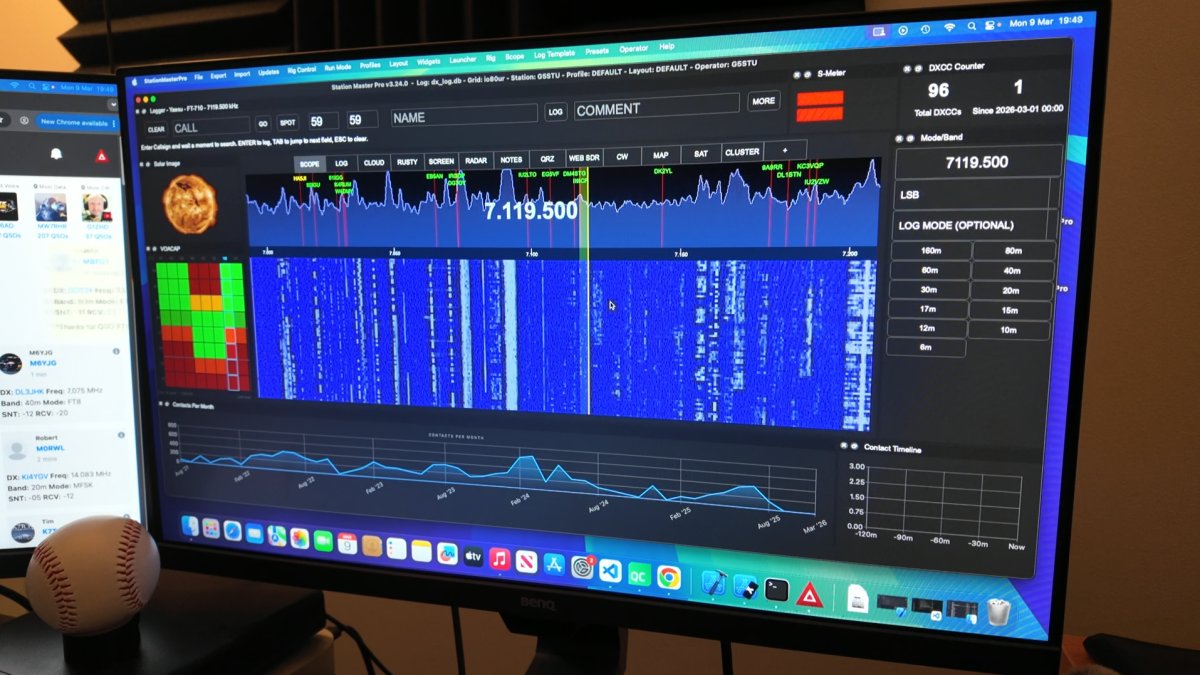
Please note you can also use the "ICOM Server" connection type in Station Master to connect to the "wfview" server on the 6100 - doing so will give you the waterfall SCOPE in station Master Pro.
https://stationmastercloud.com/post/536/Connecting-XIEGU-X6100-and-similar-radios-to-Station-Master-PRO-via-WIFI
Using USB cable (below) also works but you will NOT have a SCOPE in Station Master Pro.
1. Connect the DEV port to the computer using a USB cable.
2. Check device manager and get the COM port for SERIAL-B (must be B)
3. In SM CAT Settings, select that COM PORT and BAUD 19200, N, 8, 1, OFF, OFF
That's it, you now have cat control, note that the scope WILL NOT work in Station Master using this connection type.